
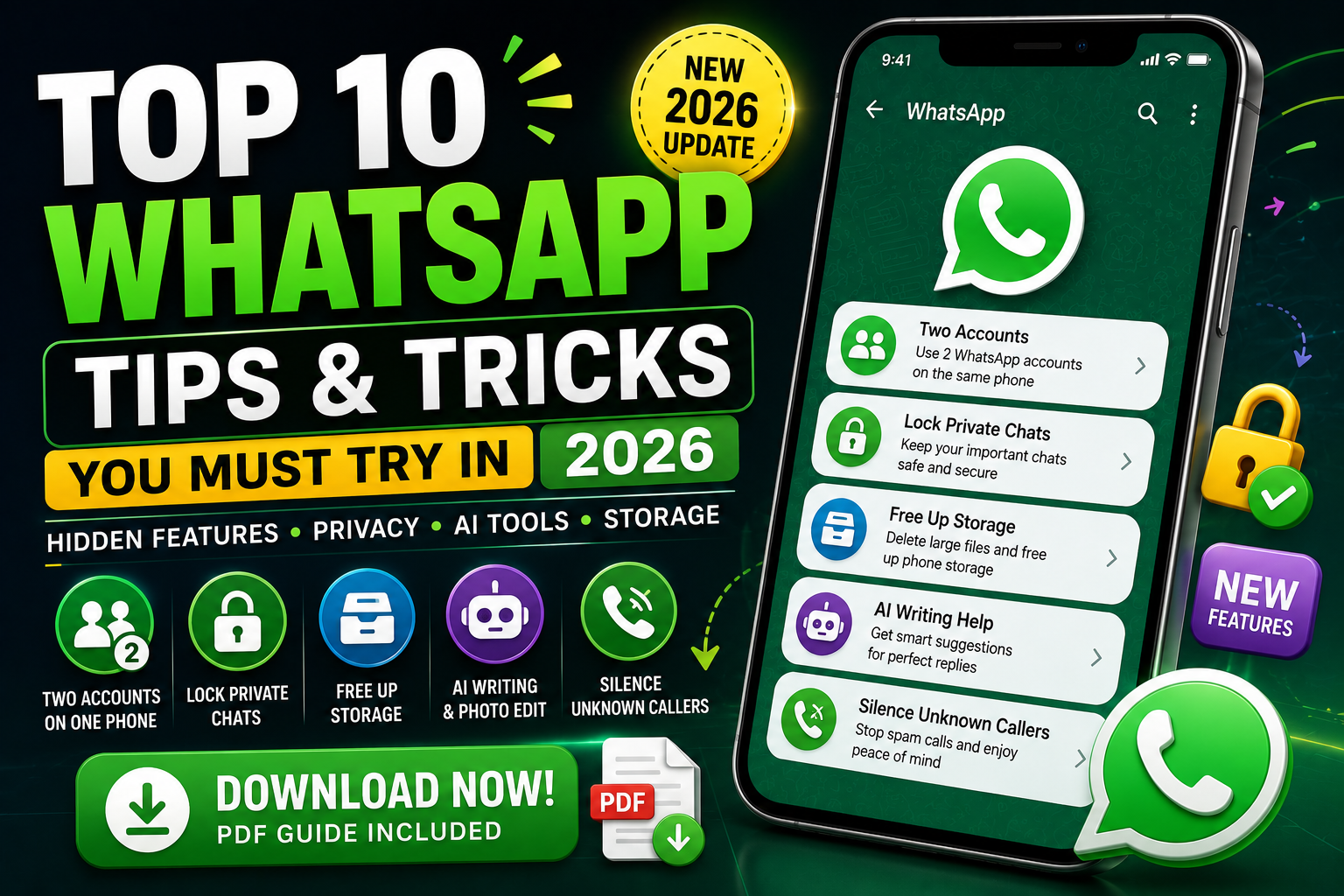
WhatsApp is more powerful than most users realize.
In 2026, new privacy tools, smarter AI features, improved storage controls, and account management options are changing how people use the popular messaging app.
However, many of the best WhatsApp hidden features are buried inside settings.
These WhatsApp tips and tricks in 2026 can help you improve privacy, save storage, manage chats, and communicate more efficiently.
Here are the 10 best WhatsApp tricks you should try.

1. Use Two WhatsApp Accounts on One Phone
Managing personal and work conversations is much easier with multiple account support.
WhatsApp allows supported users to add two accounts to one phone. This is particularly useful for freelancers, online sellers, and business owners.
Each account requires a separate phone number.
Instead of carrying two smartphones, you can switch between your WhatsApp accounts from the app.
This is easily one of the most useful WhatsApp new features in 2026.

2. Lock Private WhatsApp Chats
Want to protect sensitive conversations?
WhatsApp Chat Lock lets you move selected chats away from your main conversation list and protect them using supported device authentication.
For additional privacy, WhatsApp also offers Secret Code features for locked chats.
This can make private conversations less visible to anyone casually using your phone.
If privacy is important to you, Chat Lock is one of the first WhatsApp privacy settings you should explore.

3. Free Up WhatsApp Storage
WhatsApp photos and videos can consume several gigabytes of phone storage.
Fortunately, storage management tools make it easier to identify large files and unnecessary media.
Review the media stored in your biggest conversations.
Delete old videos, repeated images, and documents you no longer need.
This simple WhatsApp storage trick can free up valuable space without deleting every conversation.

4. Use WhatsApp AI Writing Help
Writing the perfect reply is not always easy.
WhatsApp’s AI-powered Writing Help features are designed to assist users with drafting or improving messages.
This can be useful when writing professional replies, customer messages, or conversations where you want clearer wording.
AI features may vary depending on your account and region.
However, artificial intelligence is quickly becoming one of the most interesting areas of WhatsApp new features.

5. Edit Photos With AI Before Sending
WhatsApp is also becoming smarter for photo editing.
Meta has announced AI-powered photo tools that can help users make quick changes before sharing images.
Depending on availability, AI tools may help remove distractions, adjust backgrounds, or apply creative effects.
For social media creators and everyday users, this reduces the need to switch between multiple photo editing apps.

6. Silence Unknown WhatsApp Callers
Spam calls can be annoying and potentially suspicious.
WhatsApp includes a privacy setting that can silence calls from unknown numbers.
The calls can still appear in your call history, but your phone will not normally ring for them.
Open WhatsApp privacy settings and review the available call controls.
This is one of the easiest WhatsApp privacy tricks for reducing unwanted interruptions.

7. Send HD Photos on WhatsApp
WhatsApp compression can reduce image quality.
If you’re sending an important picture, look for the HD option before sharing it.
HD photo sharing is particularly useful for photographers, designers, online sellers, and content creators.
For some professional workflows, sending the original image as a document may also help preserve file quality.
Choose the sharing method based on how the recipient plans to use the image.
8. Edit WhatsApp Messages After Sending
Made a spelling mistake?
WhatsApp allows users to edit sent messages within its supported editing period.
Long-press the message and select the Edit option when available.
You can correct incorrect dates, prices, names, or typing mistakes without deleting the entire message.
For business communication, this WhatsApp message editing feature is extremely useful.

9. Search Old WhatsApp Messages Faster
Finding an old message does not need to involve endless scrolling.
Use WhatsApp search to find specific words, links, documents, or media.
Search for unique keywords connected with the conversation.
For example, an invoice number, hotel name, product title, or customer reference can help you locate a message faster.
Date-based search options may also help when you remember when a conversation happened.

10. Control Who Can See Your Online Status
Not everyone needs to know when you’re online.
WhatsApp privacy settings allow you to control who can see your Last Seen and Online information.
You should also review visibility settings for your profile photo, About information, Status updates, and group invitations.
These small changes can give you more control over your WhatsApp privacy.
A quick privacy checkup only takes a few minutes.
How to Make WhatsApp More Private in 2026
Start by enabling two-step verification.
Never share your WhatsApp registration code or two-step verification PIN with another person.
Review linked devices regularly.
If you see a device you do not recognize, remove it and review your account security.
You should also avoid suspicious links and unexpected files from unknown contacts.
Using the official WhatsApp app and keeping it updated is one of the simplest ways to access current security improvements.
Which WhatsApp Feature Is the Best?
For most users, Chat Lock and improved privacy controls are among the most valuable features.
Business owners may prefer multiple account support because it makes separating personal and professional conversations easier.
Content creators can benefit from HD image sharing and AI-powered photo tools.
Users with limited phone storage should regularly review WhatsApp storage management.
The best WhatsApp feature depends on the problem you want to solve.

Frequently Asked Questions
What are the best WhatsApp tricks in 2026?
The best WhatsApp tricks include using two accounts on one phone, locking private chats, managing storage, silencing unknown callers, sending HD photos, and editing sent messages.
Can I use two WhatsApp accounts on one phone?
WhatsApp supports multiple accounts on compatible versions of the official app. Each account needs a separate phone number.
How can I hide private WhatsApp chats?
Use Chat Lock and review the Secret Code settings available for locked conversations.
How do I save WhatsApp storage?
Use WhatsApp storage management tools to identify and delete unnecessary large photos, videos, and files.
Can I edit a WhatsApp message?
Yes. WhatsApp allows sent messages to be edited during its supported editing window.
Conclusion
The 10 best WhatsApp tips and tricks in 2026 can help you get more from the world’s most popular messaging apps.
From using two WhatsApp accounts and locking private chats to sending HD photos and managing phone storage, these hidden features solve common everyday problems.
WhatsApp’s growing AI features also show how messaging apps are becoming smarter.
The key is to explore your privacy, storage, and chat settings instead of using only basic messaging features.
Try these WhatsApp tricks, keep the official app updated, and review new settings whenever WhatsApp releases a major update.
You may discover that the most useful WhatsApp features are the ones you have never tried.