
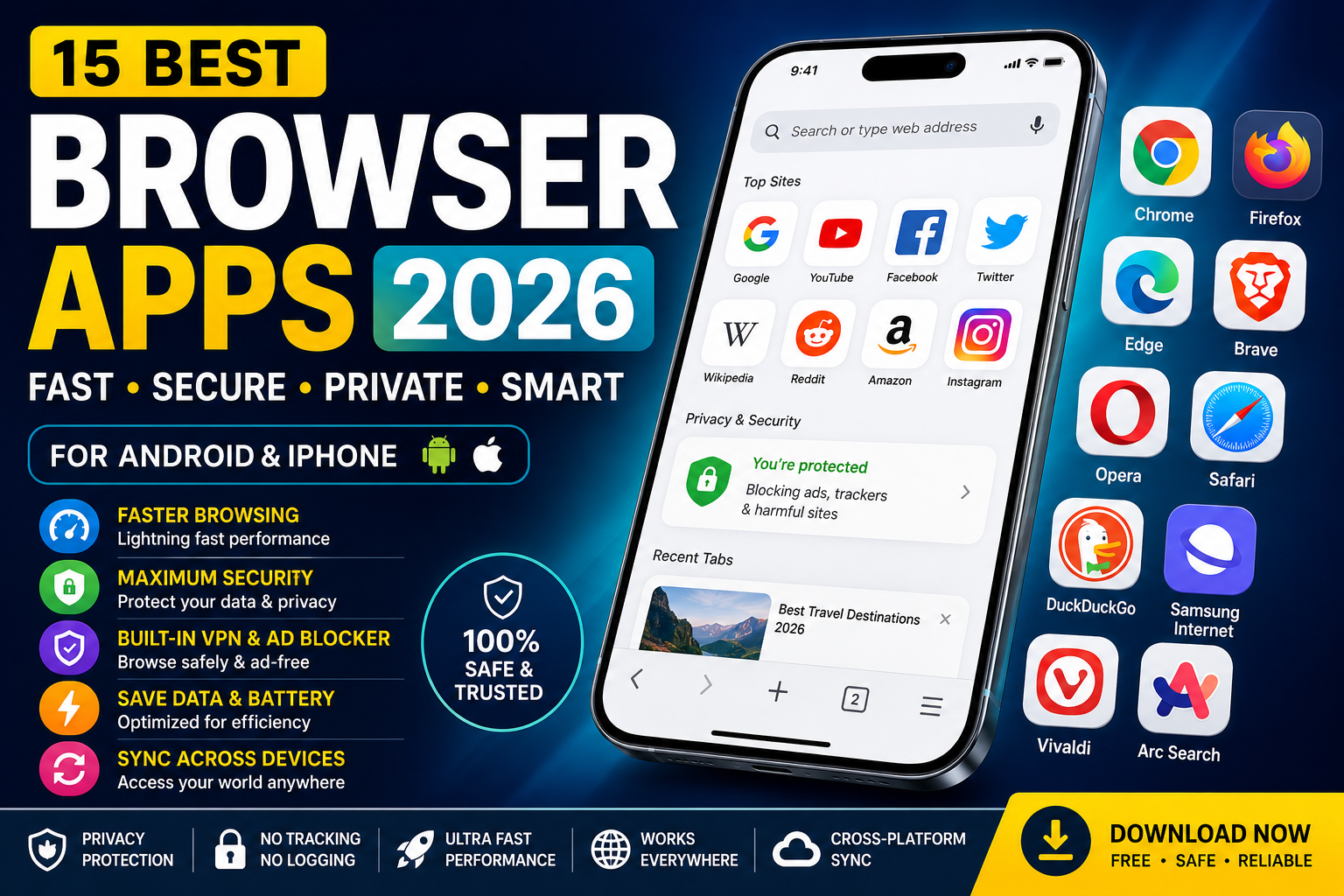
A web browser is one of the most frequently used apps on any smartphone. Whether you’re reading the news, shopping online, watching videos, or managing work, your browser plays a major role in your daily digital experience.
Choosing the right browser app can improve browsing speed, protect your privacy, reduce battery usage, and even block annoying ads. Modern browsers also include AI-powered features, password managers, built-in VPNs, and cross-device syncing.
With dozens of mobile browsers available, finding the right one can be challenging. Some focus on speed, while others prioritize privacy, customization, or productivity.
In this guide, we’ll compare the best browser apps for Android and iPhone in 2026 to help you choose the one that best matches your needs.
Why Your Choice of Browser Matters
Many people continue using the browser that comes pre-installed on their phone. While these browsers work well for basic tasks, they may not always offer the best performance or privacy.
A better browser can load websites faster, use less mobile data, extend battery life, and provide stronger protection against online tracking.
Some browsers even include built-in ad blockers, encrypted browsing, AI assistants, and secure password management without requiring additional apps.
If you spend several hours online each day, switching to a better browser can noticeably improve your experience.

What Makes the Best Browser App?
The best browser isn’t necessarily the one with the most features.
Instead, it should balance speed, security, compatibility, and ease of use.
When evaluating browser apps, these factors matter the most:
- Browsing speed
- Privacy protection
- Security updates
- Device compatibility
- Sync across devices
- Battery efficiency
- Data-saving mode
- Built-in AI tools
- Ad blocking
- User-friendly interface
The browsers below perform well across most or all of these categories.

1. Google Chrome
Google Chrome continues to be the most popular browser app in the world.
Its biggest advantage is seamless integration with Google services. If you already use Gmail, Google Drive, Google Photos, or Google Docs, Chrome keeps everything connected across your devices.
Bookmarks, passwords, browsing history, and open tabs automatically sync when you sign in with your Google account.
Chrome is also known for its excellent website compatibility, ensuring that nearly every modern website works as expected.
Key Features
- Fast browsing
- Google account sync
- Built-in password manager
- Safe Browsing protection
- Voice search
- Automatic translation
- Cross-device synchronization
Best For
- Everyday browsing
- Students
- Professionals
- Google ecosystem users

2. Mozilla Firefox
Firefox has built a strong reputation for protecting user privacy.
Unlike many browsers, Firefox includes Enhanced Tracking Protection, which automatically blocks many trackers that collect browsing data.
Its clean design and open-source development make it a favorite among privacy-conscious users.
Firefox also offers extensions, password syncing, and customizable settings across desktop and mobile devices.
Key Features
- Advanced privacy controls
- Tracker blocking
- Password synchronization
- Reader mode
- Open-source development
Best For
- Privacy-focused users
- Secure browsing
- Daily web browsing

3. Microsoft Edge
Microsoft Edge has evolved into one of the fastest browser apps available today.
Built on Chromium, it offers excellent website compatibility while introducing useful productivity features.
One standout feature is the built-in AI assistant, which helps summarize webpages, answer questions, and improve productivity.
Edge also includes shopping tools that automatically search for coupons and compare prices while you browse.
Key Features
- AI-powered browsing tools
- Fast performance
- Shopping assistant
- Password monitoring
- Collections
- Cross-device syncing
Best For
- Productivity
- Office users
- Students
- Online shopping

4. Brave Browser
Brave has become one of the fastest-growing browser apps because it focuses heavily on privacy.
Unlike traditional browsers, Brave blocks ads and trackers automatically without requiring additional extensions.
This results in faster page loading, lower data usage, and improved battery life.
Brave also includes private browsing with Tor, making it attractive for users who want additional privacy while browsing.
Key Features
- Built-in ad blocker
- Tracker blocking
- Private browsing
- Faster page loading
- Crypto wallet support
- Privacy-first design
Best For
- Private browsing
- Faster browsing
- Battery savings
- Secure internet use

5. Opera Browser
Opera combines several useful features into one browser app.
It includes a free built-in VPN, ad blocker, file sharing, and data-saving mode.
These tools make Opera an excellent choice for travelers, mobile users, and people who frequently browse using public Wi-Fi networks.
Opera’s customizable interface also allows users to organize bookmarks, shortcuts, and favorite websites more efficiently.
Key Features
- Free built-in VPN
- Ad blocker
- Data-saving mode
- File sharing
- Personalized news feed
Best For
- Secure browsing
- Public Wi-Fi
- Travelers
- Mobile users
Browser Speed: Why It Matters
Speed is one of the most important factors when choosing a browser app.
A faster browser reduces loading times, improves scrolling performance, and creates a smoother overall experience.
Modern browsers achieve better performance through optimized rendering engines, efficient memory management, and intelligent caching.
If your smartphone has limited RAM or storage, choosing a lightweight browser can make a noticeable difference.
Privacy Features to Look For
Privacy has become one of the biggest concerns for internet users.
Many websites track browsing habits to deliver personalized advertisements and collect user data.
A privacy-focused browser can reduce online tracking by blocking third-party cookies, fingerprinting attempts, and advertising trackers.
Features such as encrypted browsing, private mode, HTTPS enforcement, and tracker blocking provide an additional layer of protection.
Built-In AI Is Changing Mobile Browsing
Artificial intelligence is becoming an important part of modern browser apps.
Several browsers now include AI-powered assistants that can summarize articles, answer questions, translate webpages, and help users find information more efficiently.
These tools improve productivity by reducing the time needed to search through long webpages.
As AI continues to evolve, browser apps are expected to become even smarter and more personalized.
Which Browser Is Best So Far?
After comparing the first five browsers, it’s clear that each one serves a different type of user.
Google Chrome remains the best all-around choice for most people.
Firefox is ideal for privacy.
Microsoft Edge offers powerful productivity tools.
Brave stands out for security and speed.
Opera provides an impressive collection of built-in features, including a VPN and ad blocker.

6. Safari
Safari remains one of the best browser apps for iPhone and iPad users.
Developed by Apple, Safari is optimized specifically for iOS and macOS devices. This close integration helps deliver excellent speed, smooth scrolling, and impressive battery efficiency.
Safari also includes intelligent tracking prevention, password management, and seamless synchronization through iCloud.
Key Features
- Optimized for Apple devices
- Intelligent Tracking Prevention
- Reader Mode
- iCloud syncing
- Password management
- Excellent battery optimization
Best For
- iPhone users
- Apple ecosystem
- Everyday browsing
- Privacy
7. Samsung Internet
Samsung Internet is no longer limited to Samsung phones.
Today, it has become one of the most feature-rich browsers available for Android users.
The browser offers ad blocker support, secret browsing mode, dark mode, biometric authentication, and video assistant features that improve the viewing experience.
Many Android users consider Samsung Internet one of the smoothest browsers available.
Key Features
- Dark Mode
- Secret Mode
- Ad blocker support
- Video Assistant
- Smart anti-tracking
- Biometric security
Best For
- Android users
- Samsung Galaxy owners
- Privacy
- Multimedia browsing

8. DuckDuckGo Browser
DuckDuckGo has become one of the most trusted names in online privacy.
Unlike traditional browsers that collect browsing data, DuckDuckGo focuses on protecting user information.
The browser blocks hidden trackers automatically and offers encrypted connections whenever available.
Its Fire Button feature instantly clears browsing history, cookies, and open tabs with a single tap.
Key Features
- Privacy protection
- Tracker blocking
- Private search
- Fire Button
- Encrypted browsing
Best For
- Private browsing
- Anonymous searching
- Security-conscious users
9. Vivaldi Browser
Vivaldi is designed for users who love customization.
Almost every aspect of the browser can be personalized, including themes, navigation, tab layout, and shortcuts.
Despite offering advanced features, Vivaldi remains fast and responsive on modern smartphones.
Key Features
- Highly customizable interface
- Built-in notes
- Ad blocker
- Tracker protection
- Cross-device syncing
Best For
- Power users
- Productivity
- Heavy browsing
10. Arc Search
Arc Search is one of the newest browser apps gaining popularity in 2026.
It uses artificial intelligence to simplify searching by summarizing webpages and presenting quick answers.
Instead of opening multiple websites, users often receive concise information directly within the browser.
Its clean interface and AI-powered features make browsing faster and less cluttered.
Key Features
- AI-powered search
- Webpage summaries
- Minimal interface
- Fast browsing
- Intelligent search results
Best For
- AI enthusiasts
- Students
- Research
- Productivity

11. Tor Browser
For users who prioritize anonymity, Tor Browser remains one of the strongest options.
It routes internet traffic through multiple encrypted servers, helping conceal browsing activity and protect user identity.
Although it may be slower than traditional browsers, the added privacy is valuable for users with higher security needs.
Best For
- Anonymous browsing
- Online privacy
- Secure internet access
12. Kiwi Browser
Kiwi Browser is especially popular among Android users because it supports desktop Chrome extensions.
This allows users to install productivity tools, password managers, ad blockers, and other browser extensions directly on their phones.
Combined with its fast browsing engine, Kiwi offers a desktop-like browsing experience on mobile devices.
Best For
- Chrome extensions
- Android users
- Productivity
- Fast browsing
Best Browser for Different Users
Different users have different priorities.
If you simply want the most reliable browser, Google Chrome remains an excellent choice thanks to its speed and compatibility.
If privacy is your main concern, Brave, Firefox, and DuckDuckGo are excellent options because they block trackers and reduce online monitoring.
For Apple users, Safari delivers the smoothest experience through deep integration with iOS.
Samsung Internet is ideal for Galaxy device owners who want additional customization and multimedia features.
Professionals and students may prefer Microsoft Edge or Arc Search because of their AI-powered productivity tools.
How to Choose the Right Browser App
Before downloading a browser, think about how you normally use your smartphone.
Do you spend most of your time watching videos?
Do you frequently shop online?
Is online privacy your biggest concern?
Or do you simply want the fastest browser possible?
Choosing the right browser depends on your daily habits rather than selecting the most popular app.
Tips for Safer Mobile Browsing
Regardless of which browser you choose, following good security practices is essential.
Always keep your browser updated to receive the latest security patches.
Avoid downloading files from unknown websites.
Enable biometric protection or password locking if your browser supports it.
Use strong passwords and enable two-factor authentication for important accounts.
When using public Wi-Fi, consider browsing through a trusted VPN to improve security.
Future of Mobile Browser Apps
Browser technology continues to evolve rapidly.
Artificial intelligence is expected to become a standard feature across most browsers.
Future browsers will provide smarter search suggestions, better privacy protection, real-time webpage summaries, and personalized browsing experiences.
Voice search, AI assistants, automatic translation, and cloud synchronization will continue improving as browser developers compete to deliver the best mobile experience.
Frequently Asked Questions
Which is the best browser app overall?
Google Chrome remains the best all-around browser for most users because of its speed, compatibility, synchronization, and extensive feature set.
Which browser is best for privacy?
Brave, DuckDuckGo Browser, Firefox, and Tor Browser are among the best choices for users who prioritize online privacy.
Which browser is fastest?
Google Chrome, Microsoft Edge, Brave, and Samsung Internet consistently deliver excellent browsing performance on modern smartphones.
Which browser uses the least battery?
Safari on iPhone and Samsung Internet on Samsung devices are well optimized for battery efficiency because they are designed specifically for their respective ecosystems.
Which browser has the best AI features?
Microsoft Edge and Arc Search currently offer some of the most advanced AI-powered browsing experiences, helping users summarize webpages, search more efficiently, and improve productivity.
Final Verdict
The best browser app depends on what matters most to you.
If you want the best balance of speed, compatibility, and synchronization, Google Chrome remains a top choice. For users who value privacy, Brave, Firefox, and DuckDuckGo Browser provide excellent protection against trackers and unwanted data collection.
Apple users will enjoy the seamless experience offered by Safari, while Samsung Internet stands out for Android users who want extra features and customization. If you’re interested in AI-powered browsing, Microsoft Edge and Arc Search are leading the way with intelligent tools that make searching faster and more productive.
Rather than relying on the browser that came with your phone, explore the options in this guide and choose the one that best matches your browsing habits. A faster, safer, and smarter browser can significantly improve your everyday mobile experience.
Conclusion
Mobile browsers have become much more than simple tools for opening websites. Today’s best browser apps combine speed, security, privacy, AI-powered features, cloud synchronization, and intelligent browsing to create a smoother online experience.
Whether you’re browsing for work, studying, shopping, streaming videos, or managing daily tasks, selecting the right browser can save time, improve security, and enhance productivity.
As browser technology continues to evolve throughout 2026, users can expect even smarter AI integration, stronger privacy protection, and faster performance. Staying updated with the latest browser innovations will help you enjoy a safer and more efficient internet experience on any device.
If you’re looking for the best overall browser, Google Chrome remains a reliable choice. However, privacy-focused users may prefer Brave or DuckDuckGo Browser, while Apple and Samsung users can benefit from browsers optimized specifically for their devices.
No matter which browser you choose, prioritize security, keep your apps updated, and enjoy a faster and more secure web experience.